Planning a Shopify theme migration
A theme migration can quietly break product options, app features, tracking and SEO. Comparing screenshots won't catch it.
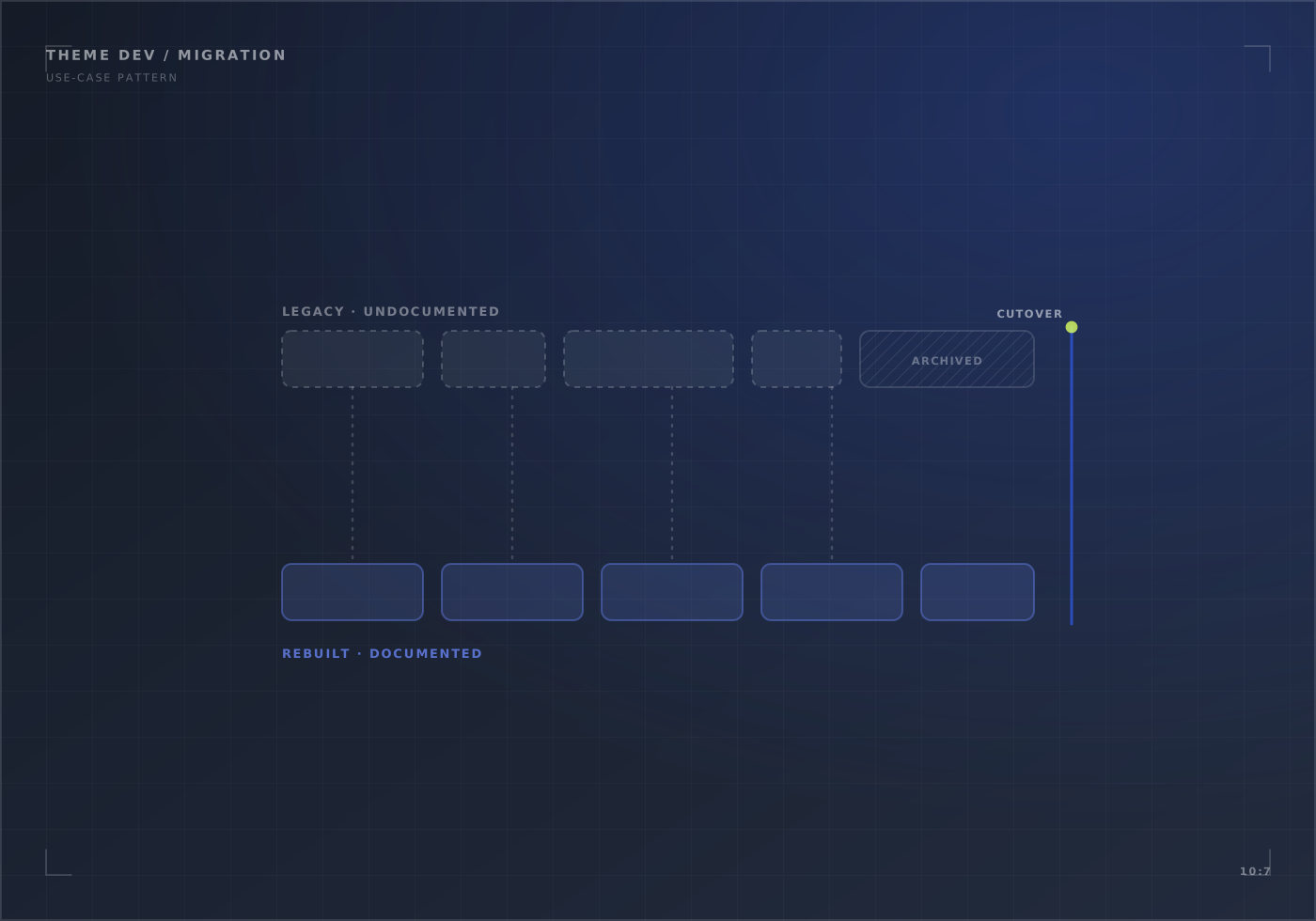
A planning guide, not a client result. For the service, see Shopify theme development; for two migrations we delivered, see CACTi PCs and Creative Lab Amsterdam.
Before building
- Inventory the current theme: custom sections, product options, scripts, app blocks and anything edited directly in code.
- Find what’s working: pages and features that sell well, so the new theme doesn’t lose them.
- Record the baseline: conversion, speed and key events for the weeks before launch.
Before switching
- Test product selection, cart, checkout handoff and account pages on real devices.
- Check every app still works, and that tracking fires once per event.
- Keep the same URLs, or add redirects for any that change.
After switching
Keep the old theme unpublished but ready. Watch errors, orders and key events daily for the first week.
List everything the current theme does, decide what to keep, build in a preview theme, and test the important journeys before switching. Keep the old theme ready to switch back.
A checklist of journeys, apps, tracking and redirects signed off before launch, and a rollback plan. A new theme doesn't improve conversion on its own; measure it against a baseline.
Planning this for your store?
In 20 minutes we look at your store with you and say what we would check first, and whether we are the right team for it.