Planning product recommendations and upgrades
Upgrades and accessories only sell when they fit the chosen product, show their price clearly and are easy to add before checkout.
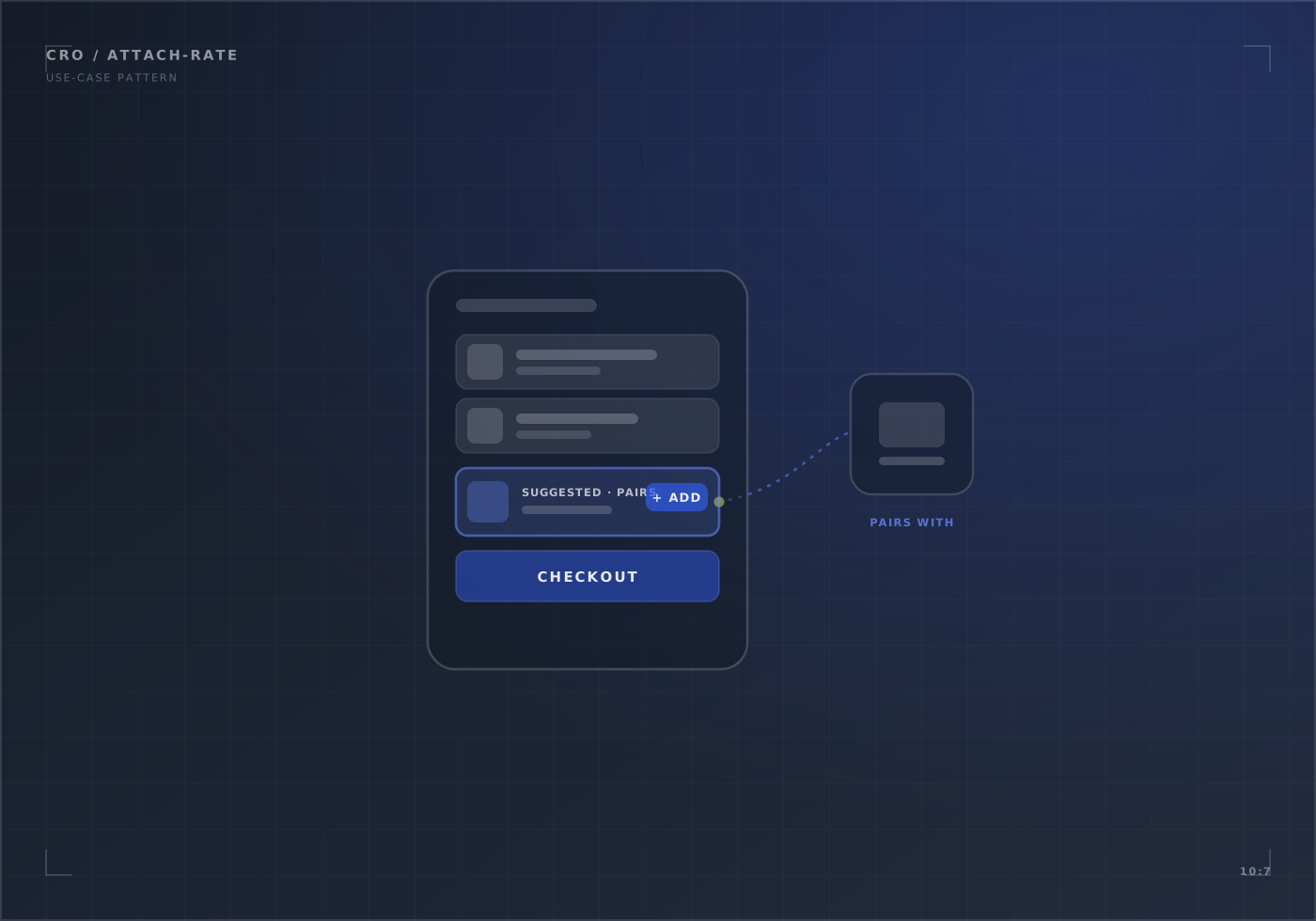
A planning guide, not a client result. The usual first step is the conversion diagnostic; for configurable products, see product configurators.
What makes upgrades sell
- Relevance: only accessories that fit the chosen product, ideally the chosen variant.
- Price and benefit together: “+£60 · twice the storage” beats a button with no price.
- One click: added with the product, not on a separate page.
- Placement: near the decision (options and add-to-cart), not below the specifications.
Measure it properly
Track paid upgrades separately from free options. Compare attach rate and revenue per eligible order over the same length of time, and check margin: more add-ons doesn’t always mean more profit.
Map which accessories fit which products, show the extra price and benefit in plain words, add them in one click, and record them so they can be measured.
Measure attach rate and revenue per eligible order over defined periods, alongside margin. A before-and-after comparison can't prove the change caused it; traffic, product mix and prices move too.
Planning this for your store?
In 20 minutes we look at your store with you and say what we would check first, and whether we are the right team for it.