Planning a Shopify product configurator
A long list of variants stops working when choices depend on each other. Compatibility, pricing and what lands in the cart have to be designed together.
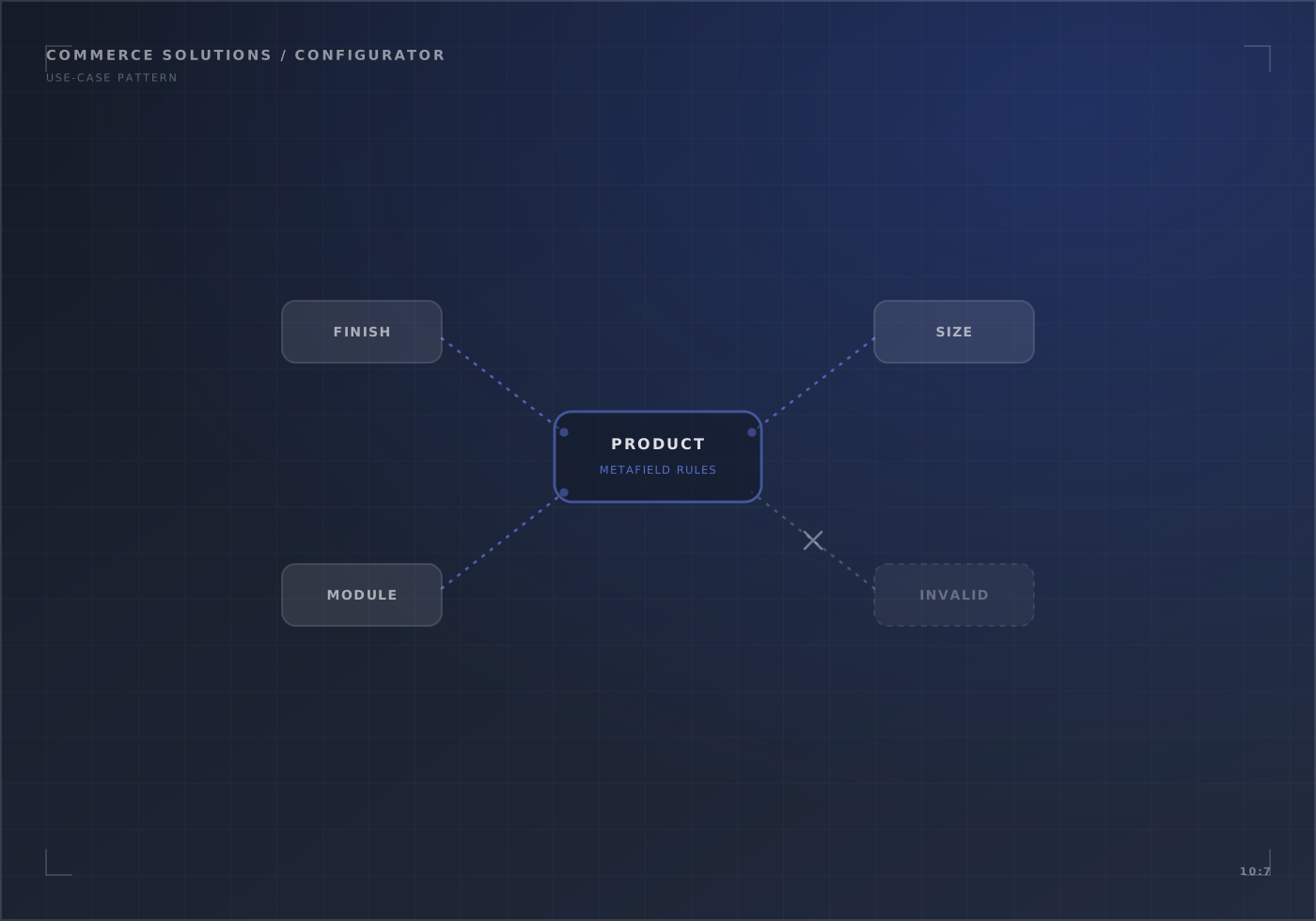
A planning guide, not a client result. For the service, see Shopify product configurators.
Questions to answer first
- What are the components, and which are required? List every choice, its options and which ones customers can skip.
- Which choices rule out others? Write each rule as a sentence: “If the case is small, the power supply must be under 750 W.”
- Where does each price come from? A fixed price per option, a price from the component’s own product, or a formula.
- What does your team need on the order? One line per build with the components listed, or each component as its own line.
- Who updates the catalogue? If adding a component needs a developer, the configurator will fall behind the catalogue.
When variants are enough
Shopify supports up to 2,048 variants per product, so the old 100-variant limit is rarely the reason to go custom. Rules between choices, prices built from components and a large catalogue of parts usually are.
What to test before launch
Every invalid combination, a price change while someone is mid-build, a component going out of stock, the cart and checkout totals, and the order as your team will see it.
Write down every component and rule, decide which system owns prices, and compare an options app with a custom build. Then design the cart and order representation before building the interface.
Test every invalid combination, price change and stock state through cart, checkout and the order your team receives. Judge business impact only against a baseline set before launch.
Planning this for your store?
In 20 minutes we look at your store with you and say what we would check first, and whether we are the right team for it.